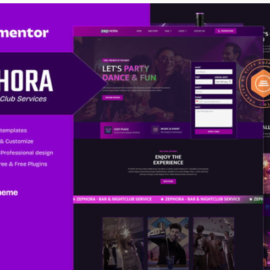

Fortified – Cyber Security Services Elementor Template Kit

Fortified – Cyber Security Services Elementor Template Kit
₹199.00
Fortified Cyber Security Services is an Elementor Template Kit meticulously crafted for cybersecurity businesses aiming to elevate their online presence. With a cutting-edge design, robust features, and an intuitive user experience.
Add to cart
Buy Now
Features*
- True no-code customization with drag and drop visual builder
- Customize fonts and colors in one place or fine-tune on individual elements
- Modern, professional design
- Fast-loading
- Works with most Elementor themes.
* Required plugins installed with kit*
- Elementor
- ElementsKit Lite
- Jeg Elementor Kit
- MetForm
* Templates Includes*
- 03 Home Styles
- Header Style
- Footer Style
- About Us
- Services
- Project Page
- Our Team
- Testimonial Page
- FAQ’s
- Comming Soon
- 404 Page
- Contact Page
- Blog Style
- Single Post
Plugins installed with kit
- ElementsKit Lite
- Jeg Elementor Kit
- Metform
* How to Use Template Kits:*
- Download your kit file and Do not unzip
- Go to Elements > Installed Kits and click the Upload Template Kit button. You may also import automatically by clicking Connect Account to link your Elements subscription, then import under Elements > Template Kits.
- Check for the orange banner at the top and click Install Requirements to load any plugins the kit uses
- Click import on the Global Kit Styles first
- Click Import on one template at a time. These are stored in Elementor under Templates > Saved Templates.
- Go to Pages and create a new page and click Edit with Elementor
- Click the gear icon at lower-left of the builder to view page settings and choose Elementor Full Width and hide page title
- Click the gray folder icon to access My Templates tab and then Import the page you’d like to customize.