


Sabertooth – Business Startup Elementor Template Kit

Sabertooth – Business Startup Elementor Template Kit
₹199.00
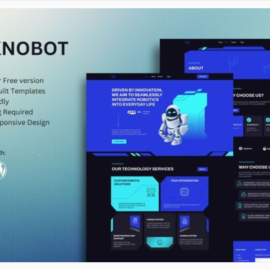
Sabertooth is a modern and clean Tech Startup Business Elementor Template Kit to create a professional and fully functional WordPress-based website for a startup company, SaaS, software house, IT professional, mobile apps developer, and any other variety of business..
Add to cart
Buy Now
Sabertooth is a modern and clean Tech Startup Business Elementor Template Kit to create a professional and fully functional WordPress-based website for a startup company, SaaS, software house, IT professional, mobile apps developer, and any other variety of business..
How to Import Template Kit
- Install the plugin from Plugins > Add New by searching for Template Kit Import.
- If you must use FTP to install plugins
- Once the plugin is activated, go to Tools > Template Kit
- Click on Upload Template Kit ZIP file to browse to your zip file and import.
- Your Template Kit preview will appear. Click View Installed Kit
- An orange banner will appear if your kit requires additional free plugins. Click Install Requirements for details.
- A popup will appear listing the plugins your kit needs installed or activated. Click Install Requirements to proceed.
- Now you may begin importing your templates by clicking the Import Template button on the desired template.
- Avoid clicking too many at once. Your browser can typically only handle up to 3-4 at a time.
- Import Global Kit Styles first, followed by any other Global templates for best results.
Related products